PrismBoard
PC-style RGB. On your Android keyboard.
11 RGB effects · 11 themes · 10 languages — gaming-PC lighting vibes with predictive typing, emoji, GIF, and privacy mode.
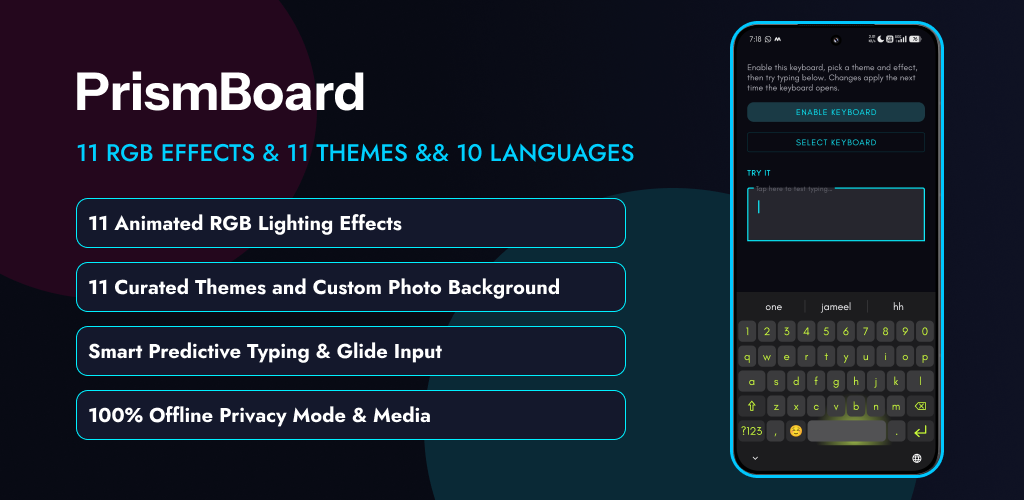
Watch PrismBoard
See RGB lighting, themes, languages, and privacy mode on the real Android keyboard.
Built to type — and light up like a PC
A full Android IME with gaming-keyboard RGB energy you control — speed, intensity, ambient glow, and accents.
-
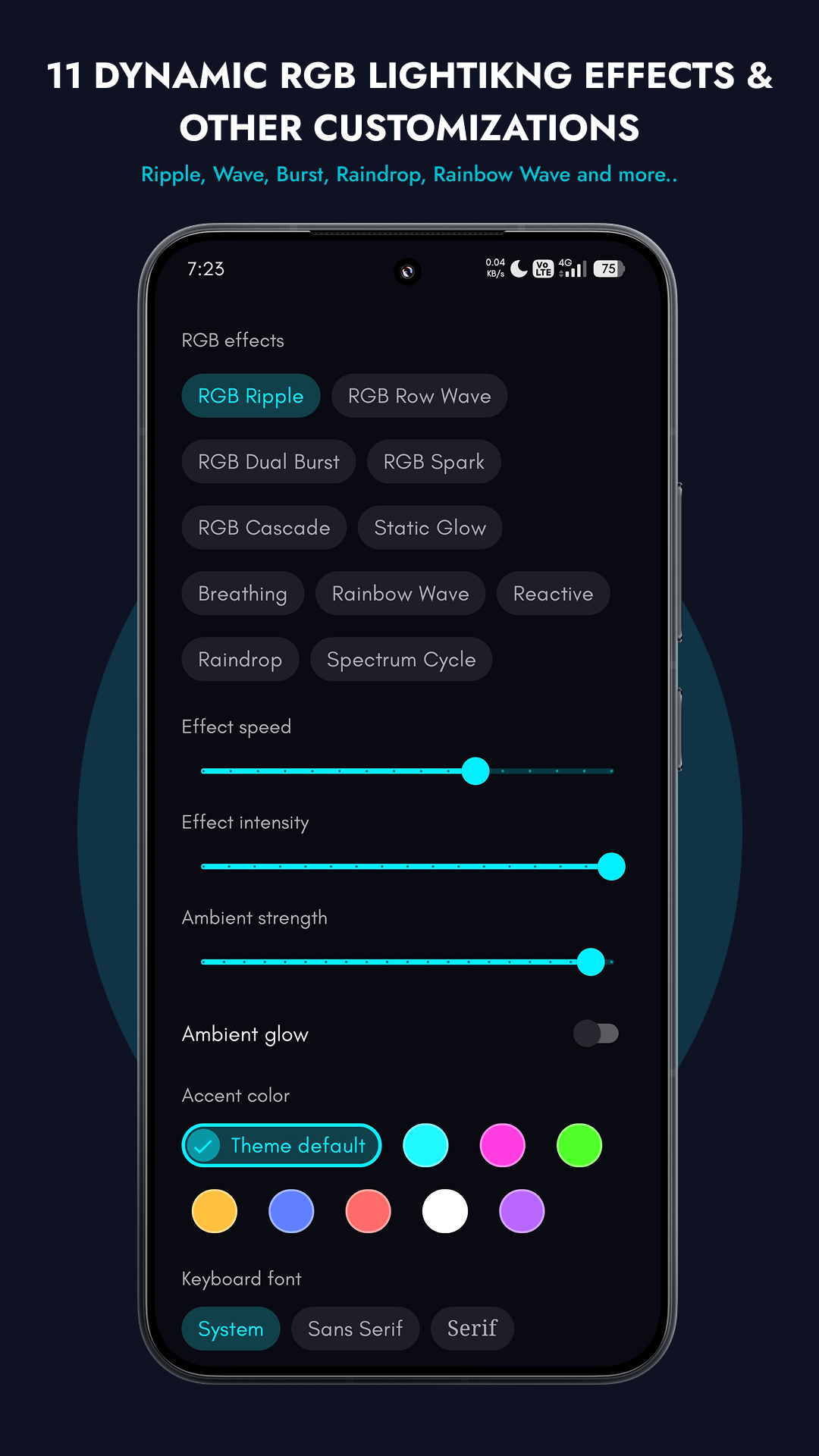
11 dynamic RGB effects
Ripple, Row Wave, Dual Burst, Spark, Cascade, Rainbow Wave, Rainbow Keys, Raindrop, Spectrum, and more — tuned for touch.
-
11 curated themes
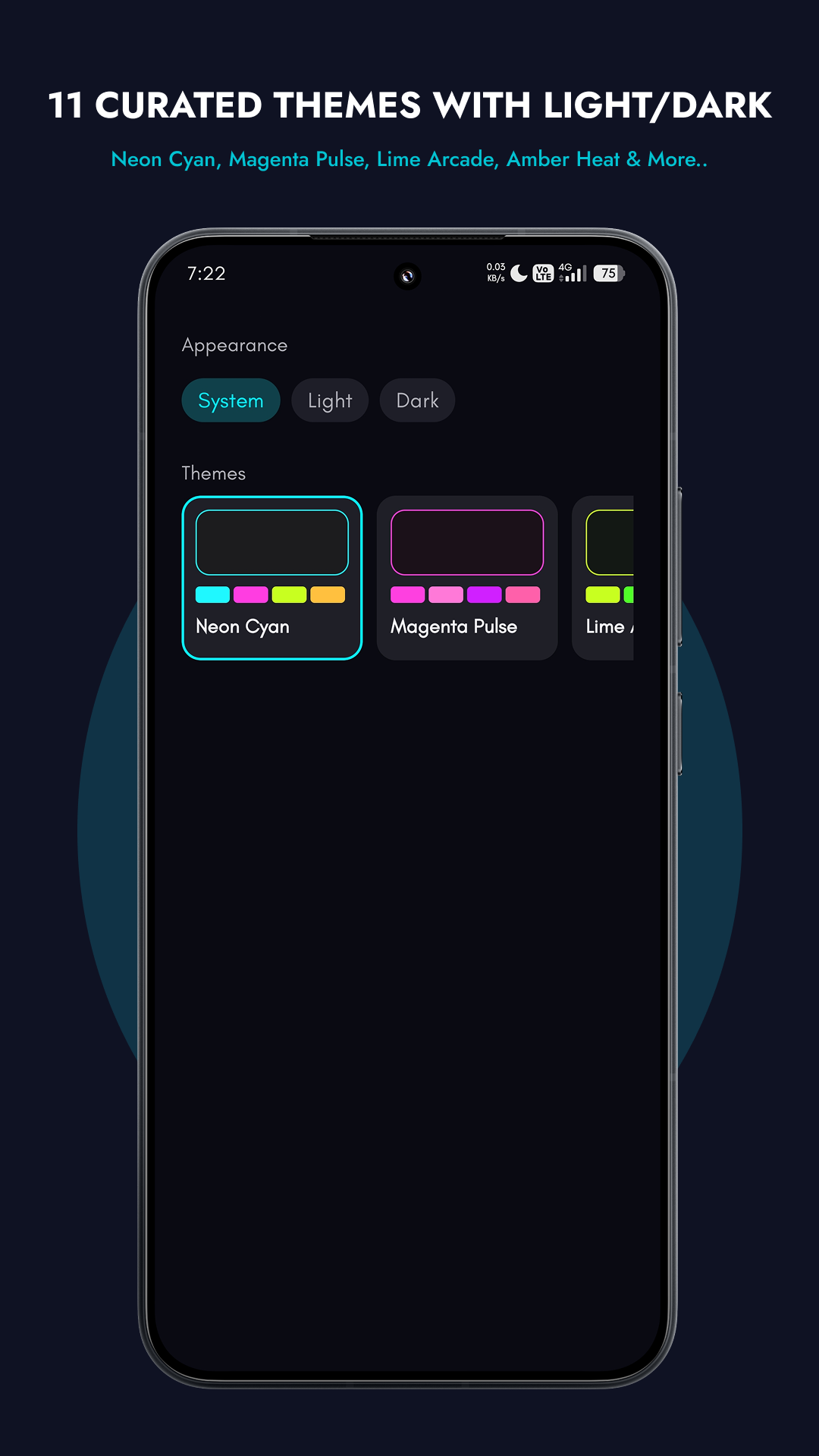
Neon Cyan, Magenta Pulse, Lime Arcade, Amber Heat, and more — light, dark, or follow system appearance.
-
10 languages
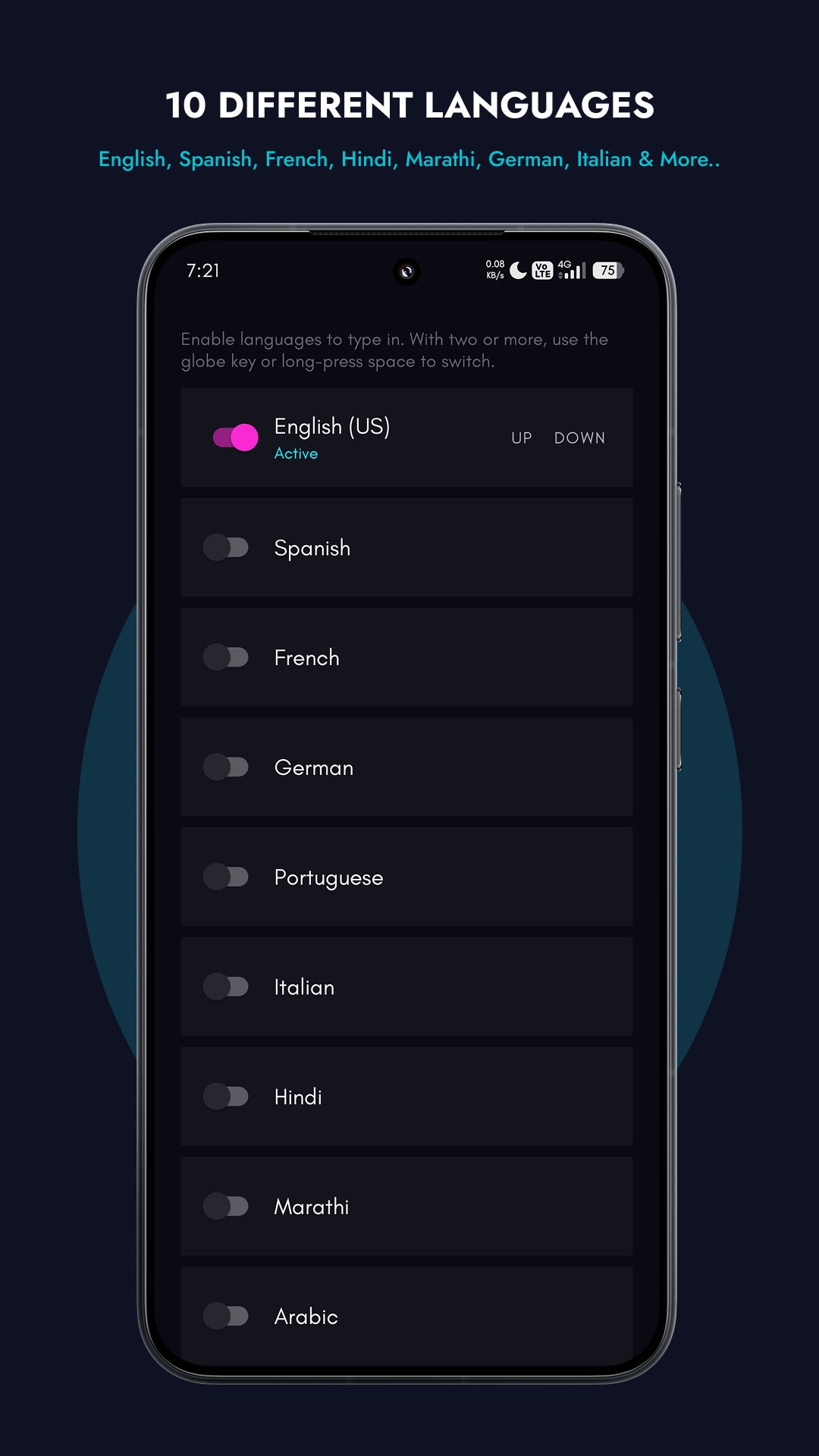
English, Spanish, French, German, Portuguese, Italian, Hindi, Marathi, Arabic, Urdu — switch with the globe key or long-press space.
-
Smart typing
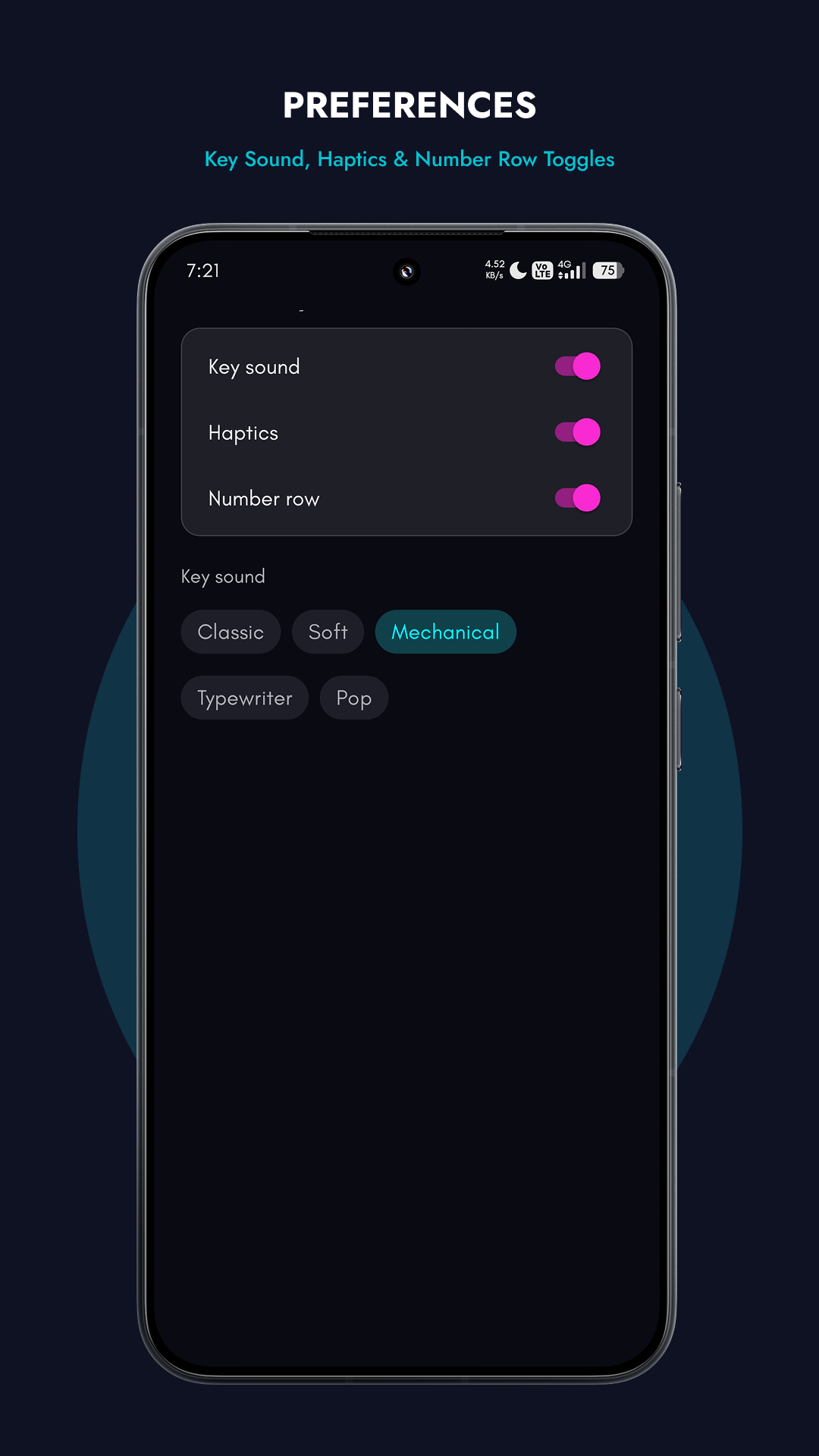
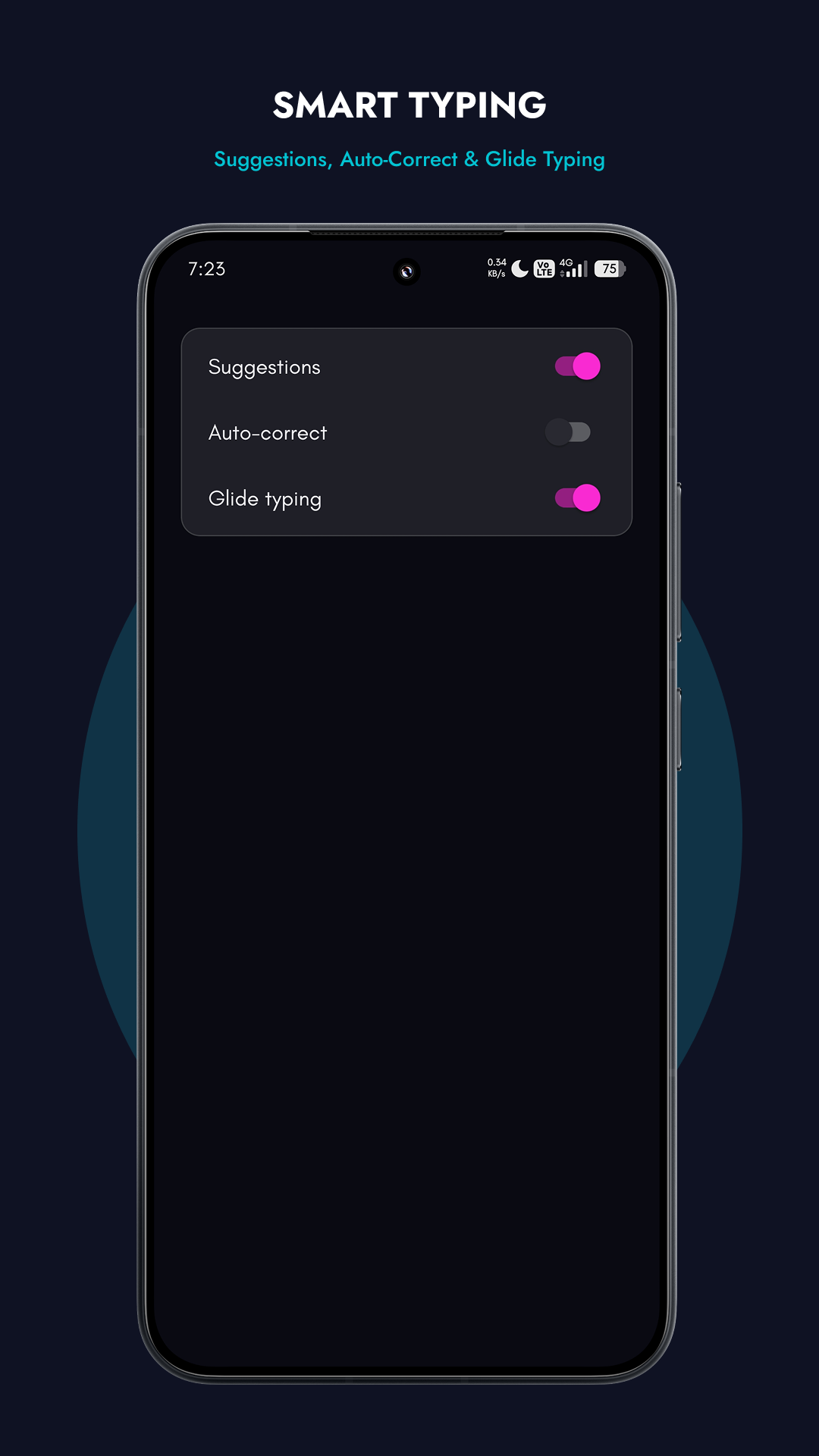
Suggestions, autocorrect, optional glide typing, key sounds (Classic to Pop + custom), and haptics.
-
Emoji, GIF, voice, clipboard
Scrollable emoji, GIPHY when you want it, voice input, and local clipboard history.
-
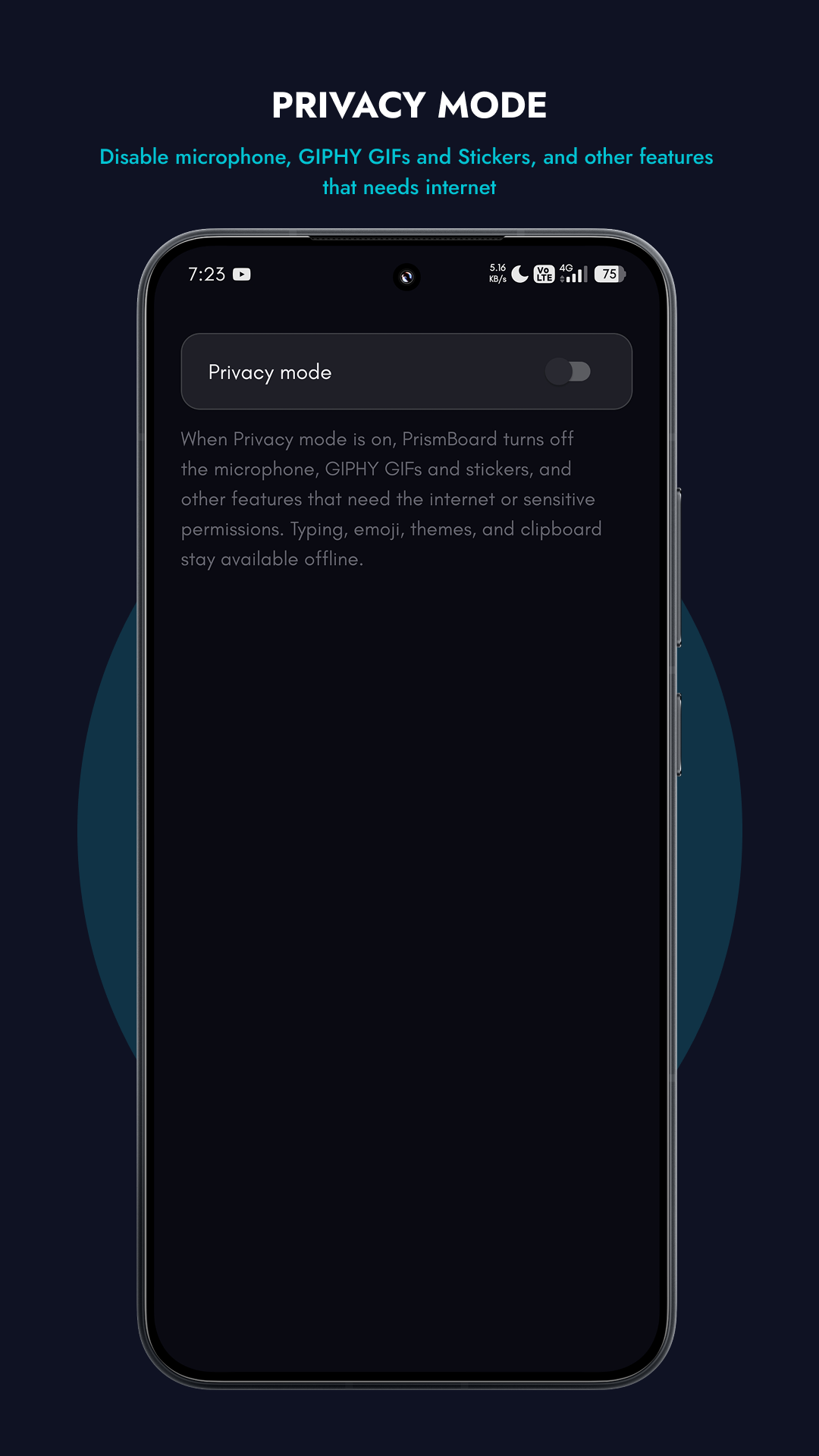
Privacy mode
One toggle turns off mic, GIPHY, and other online features. Typing, emoji, themes, and clipboard stay offline.
See it in the app
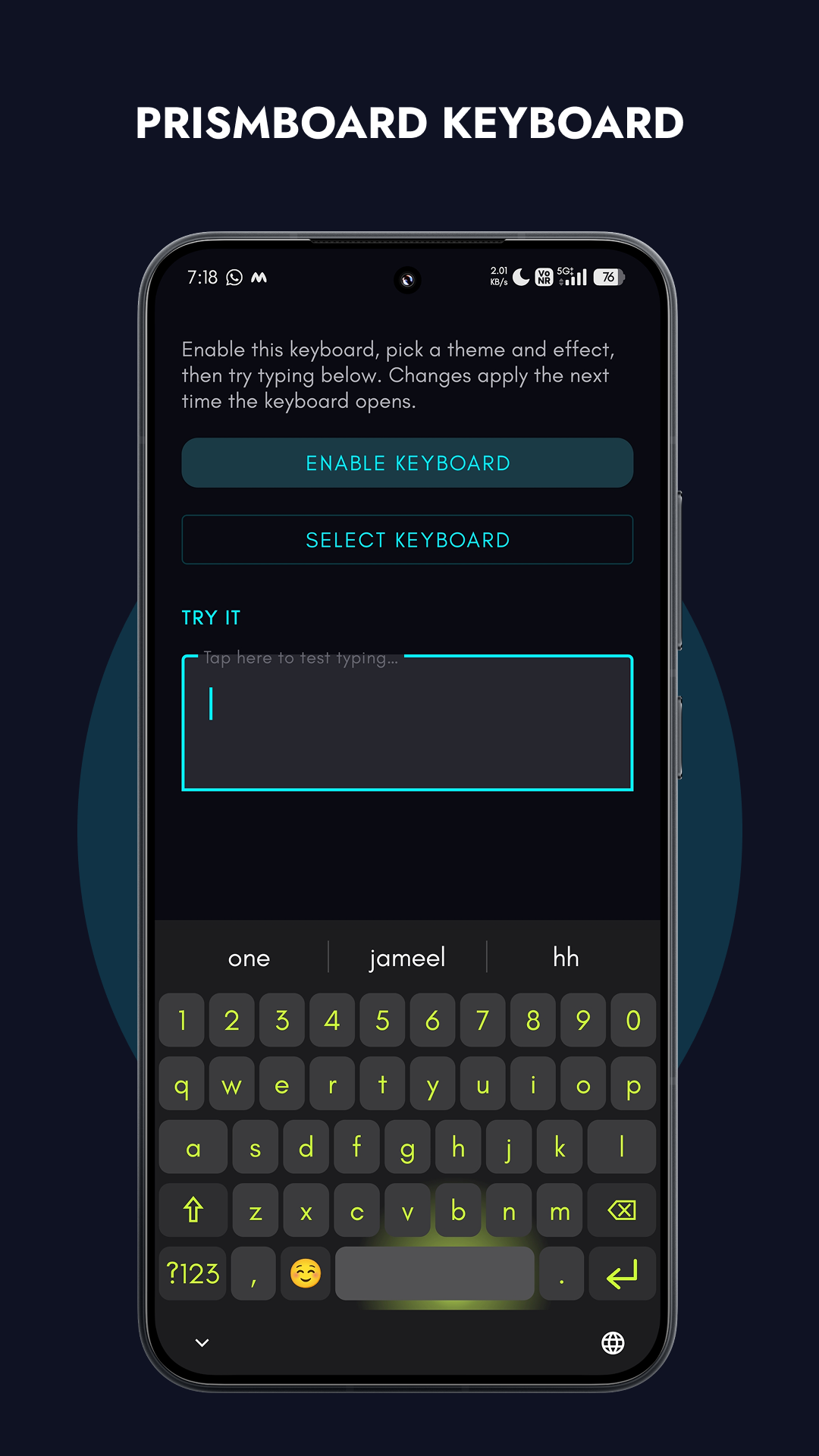
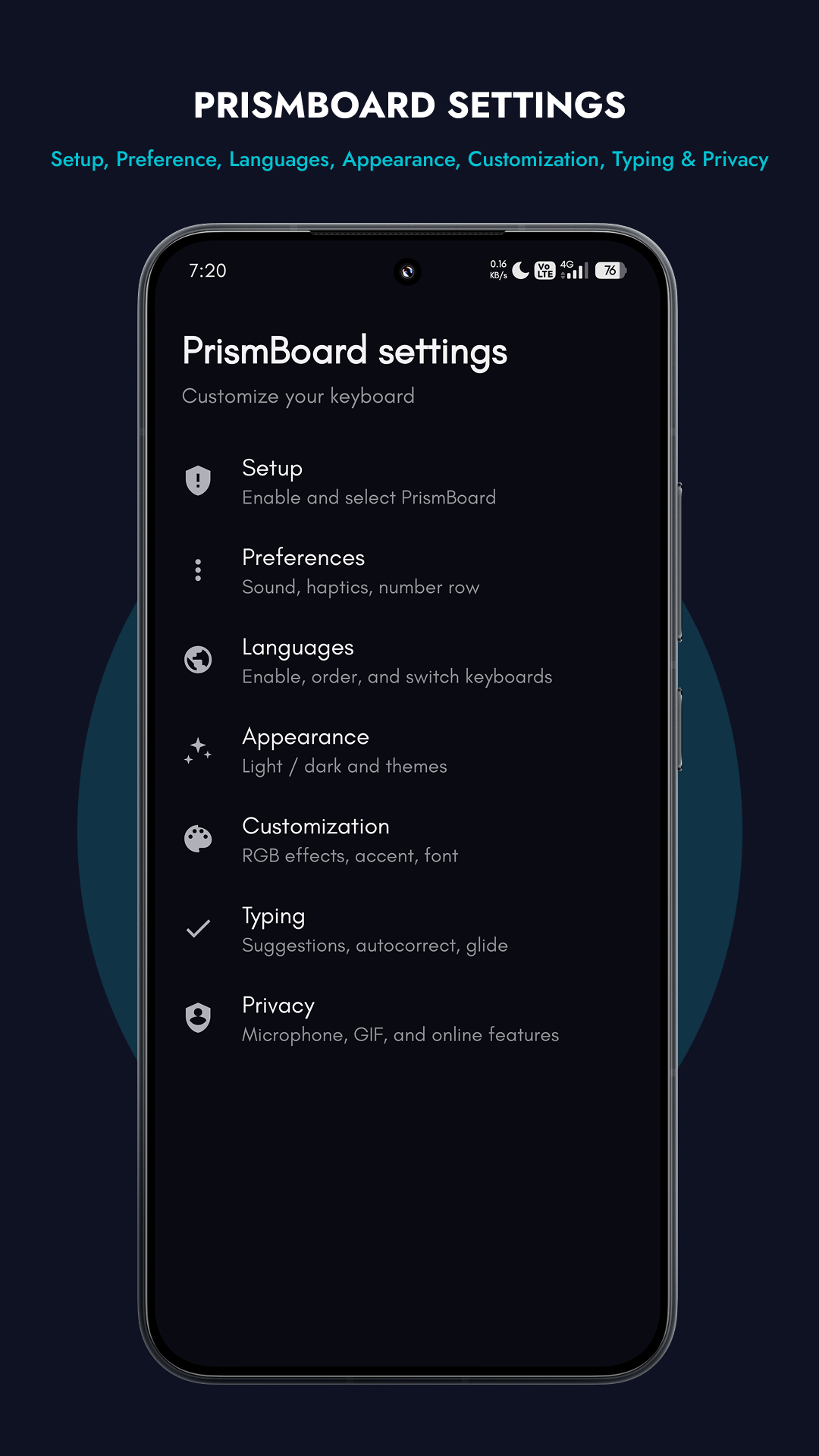
Play Store screenshots — setup, settings, RGB effects, languages, themes, and privacy.
How it works
Android requires you to enable any third-party keyboard yourself.
-
Install
Get PrismBoard from Google Play.
-
Enable
Turn it on in system keyboard settings.
-
Select
Choose PrismBoard as your active keyboard.
-
Customize
Pick a theme and PC-style RGB effect in the app settings.
Themes & effects
PC-keyboard color energy in a clean mobile layout — neon accents, readable keys.
Privacy-minded by design
PrismBoard does not run a cloud typing backend. Clipboard history and suggestion learning stay on-device. Turn on Privacy mode to disable the microphone, GIPHY, and other online features. Support: prismboard@hotmail.com. Full details in our Privacy Policy.
Bring PC RGB to your phone
Android 8.0+ · Package com.prismboard.ime